She gets a running commentary on your entire day — what you opened, what you watched, what's playing. You never type a word of it.
It notices, then it tells on you.
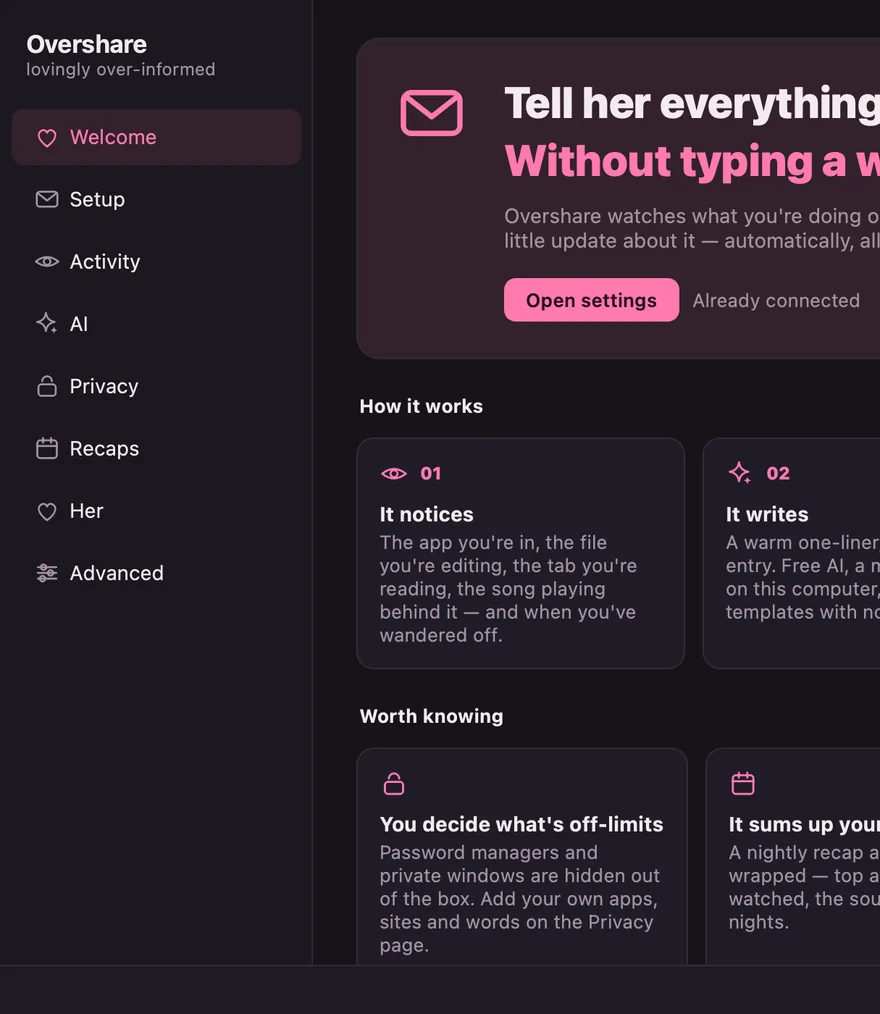
The app you're in, the file you're editing, the tab you're reading, the song playing behind it, the moment you wander off. It turns that into a sentence worth reading and sends it to a chat she already uses.
Discord or Telegram. Either, or both. She can reply, react, and ask for a photo — and you're told every time she looks.
Without being asked
It sends when something changes, and again on a heartbeat if it doesn't. Nothing to remember, nothing to type.
Down to the like
An optional extension catches what happens inside a page — a like, a Not Interested, a reel, an add-to-cart — on X, Instagram, YouTube, Reddit, TikTok and more. Same channel, off until you switch it on.
A recap, and a weekly wrapped
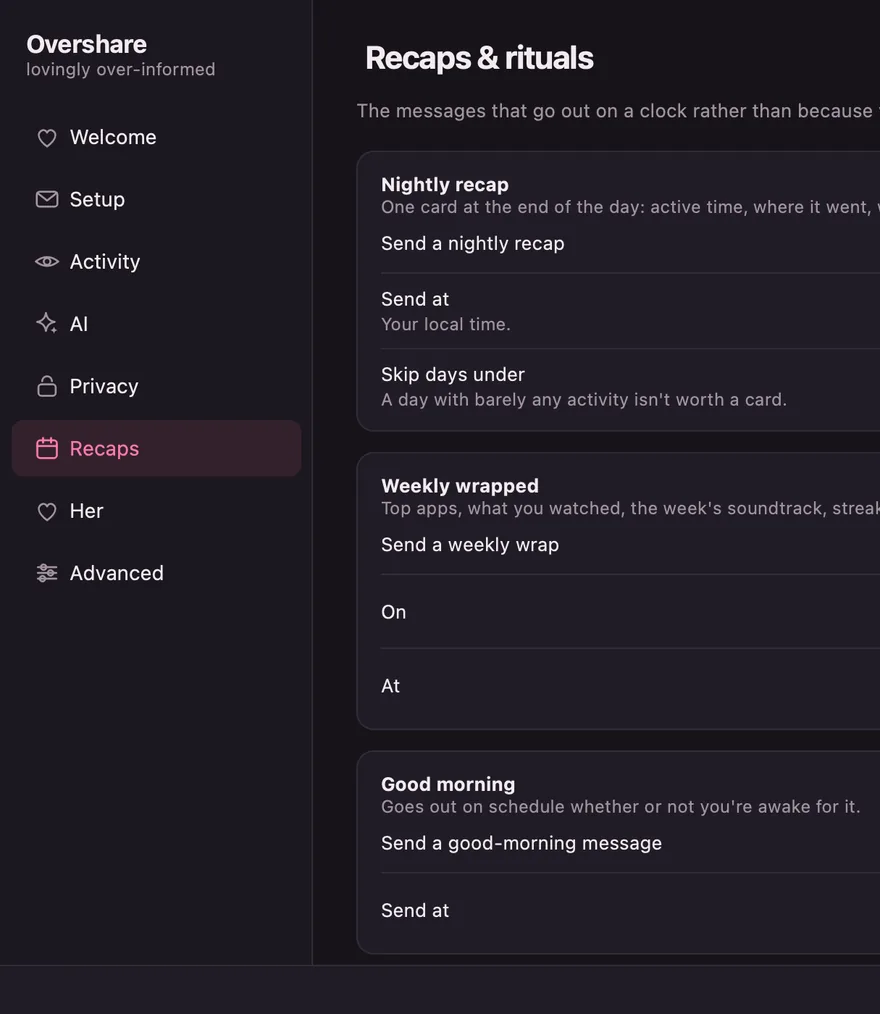
Where the day went, what you watched, the soundtrack, the late nights. If the machine was off when one was due, it sends when you're back.
Except what you hide
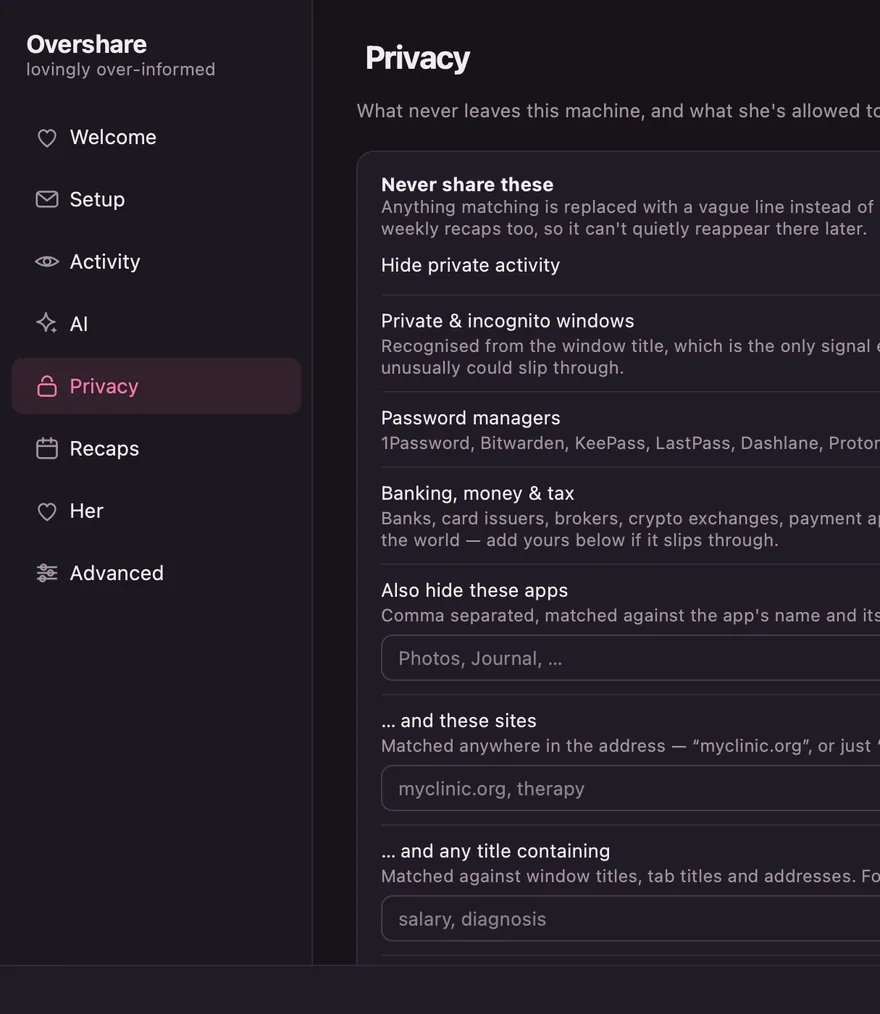
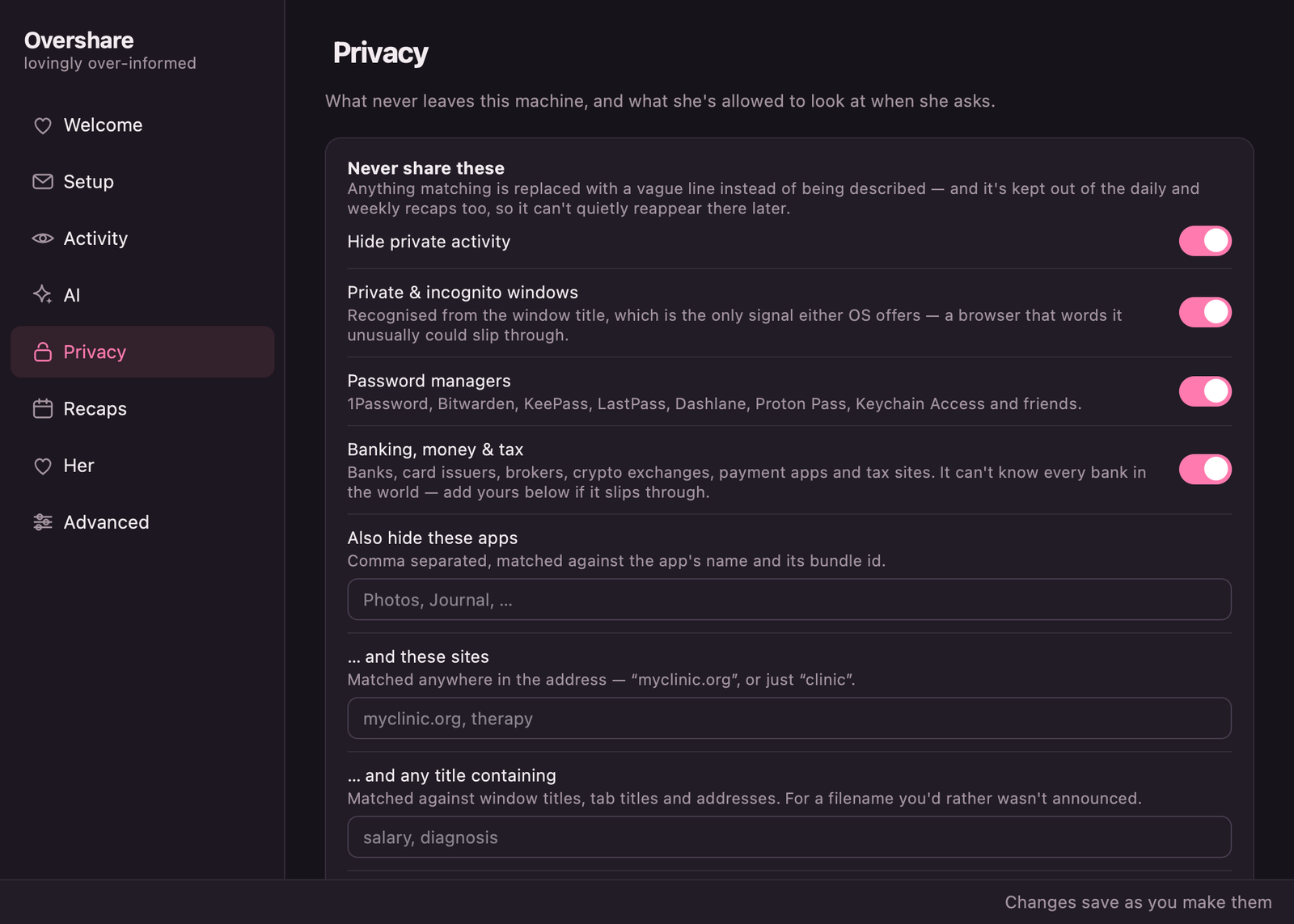
Password managers and private windows are hidden before you configure anything. Hidden activity stays out of the recaps too.
Including the AI
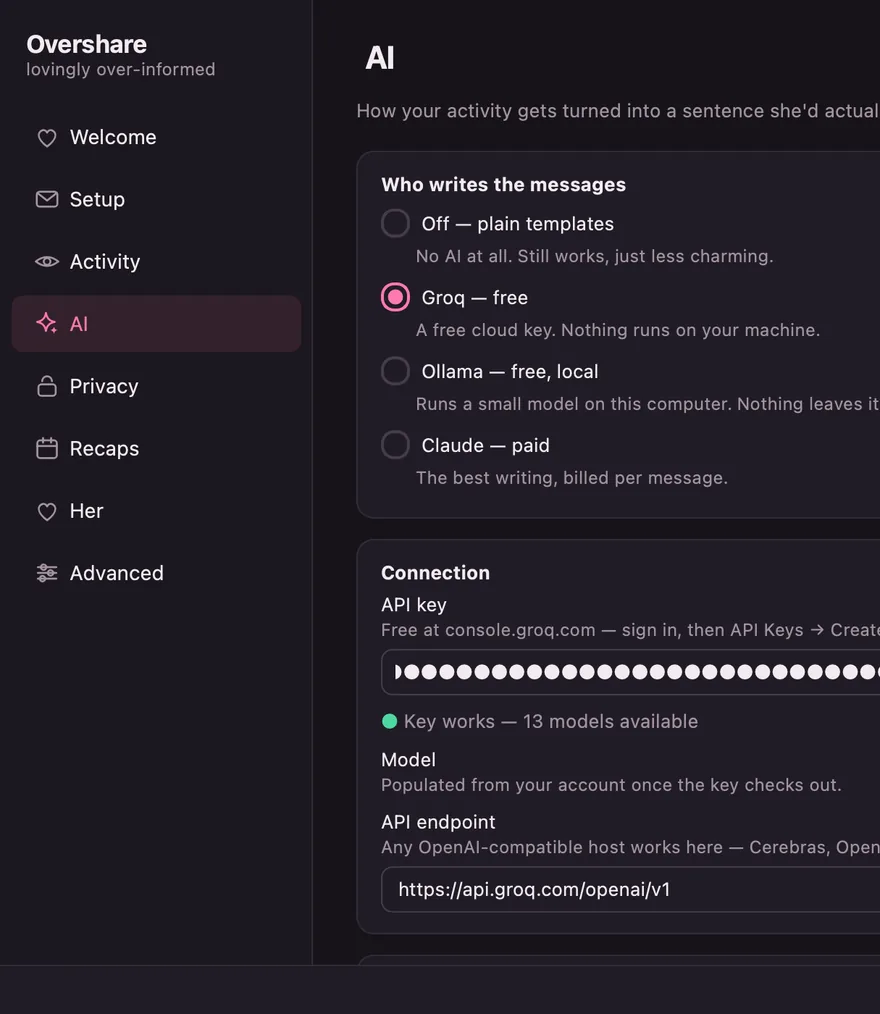
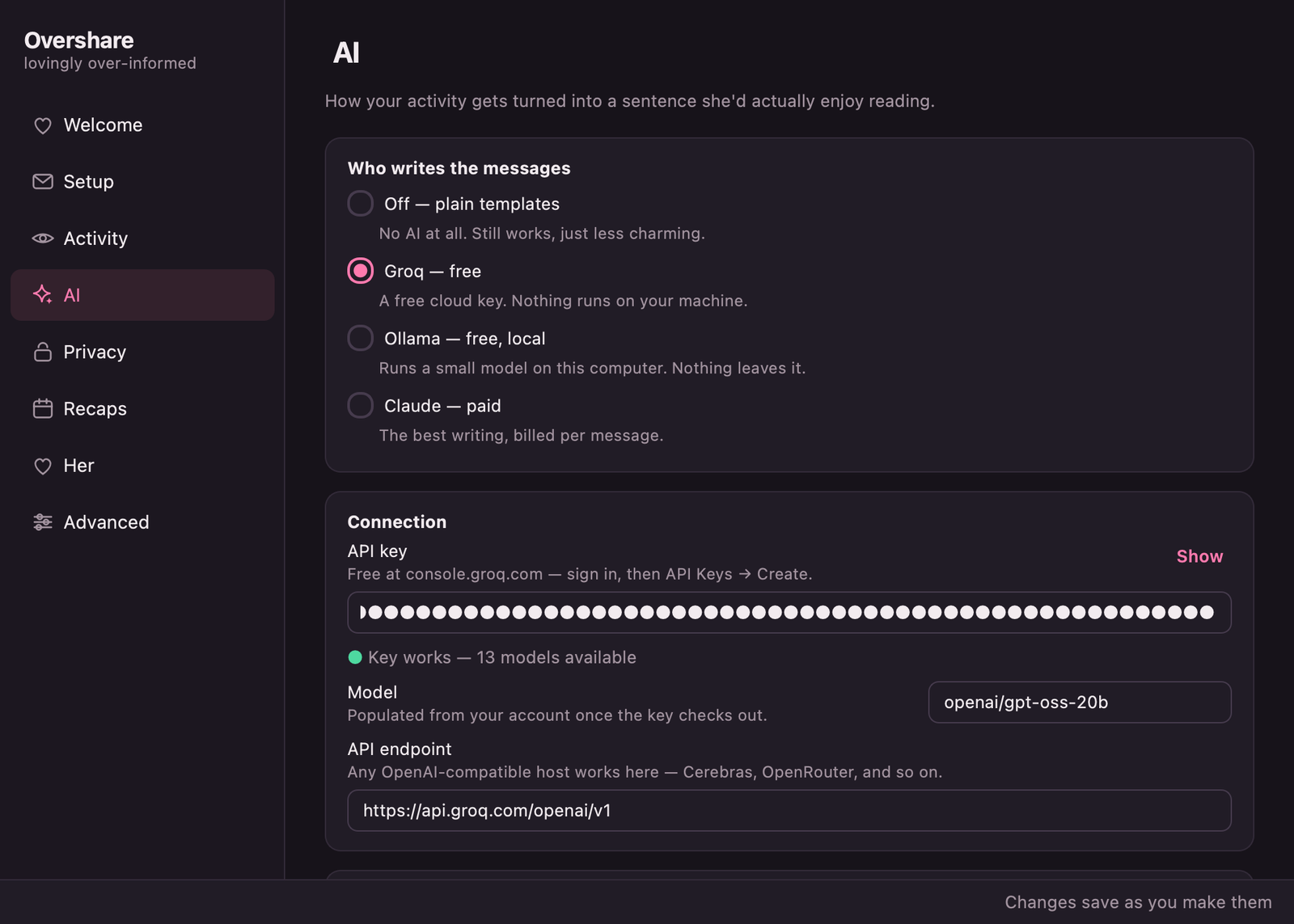
A free cloud key, a model on your own machine, or no AI at all. Nothing here has a subscription.
Every dial, in one window.
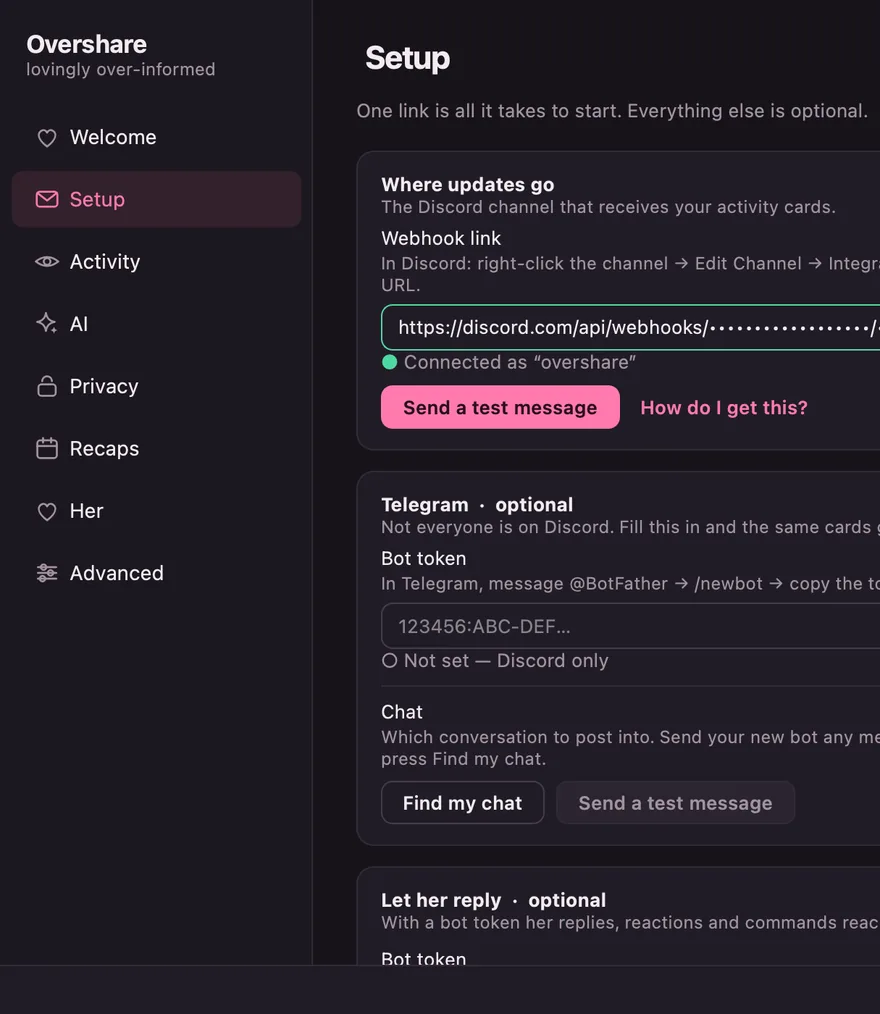
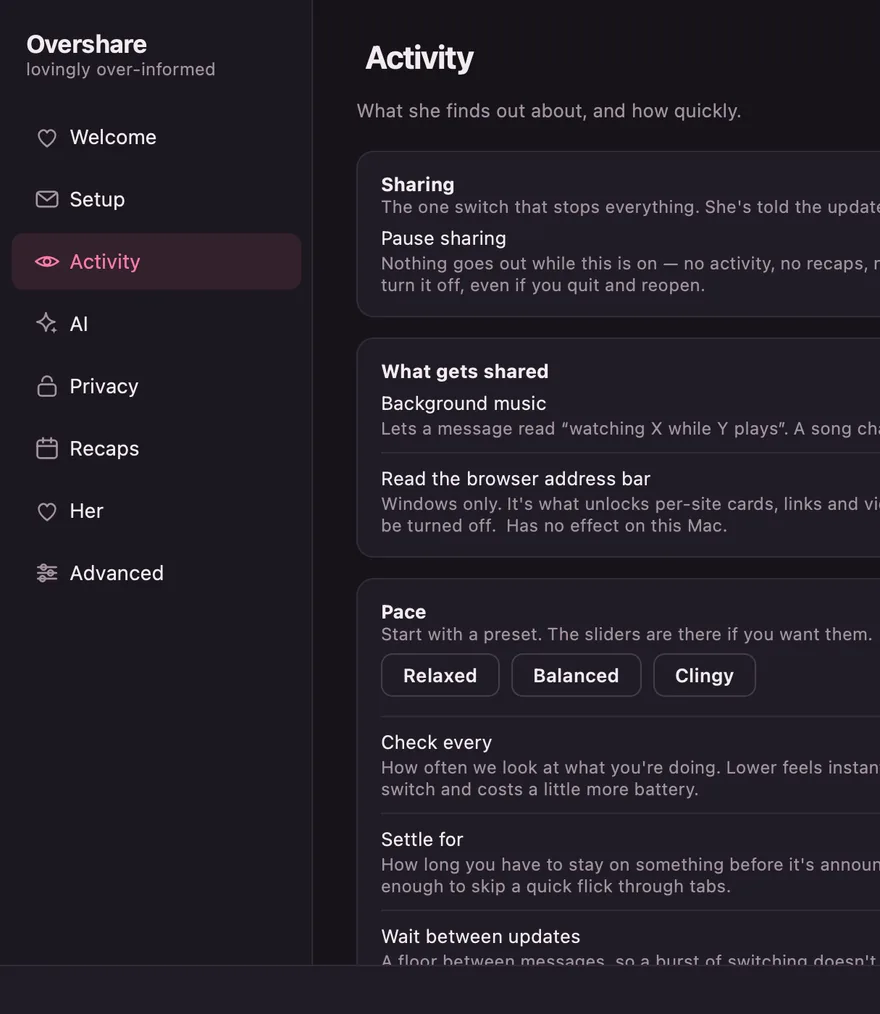
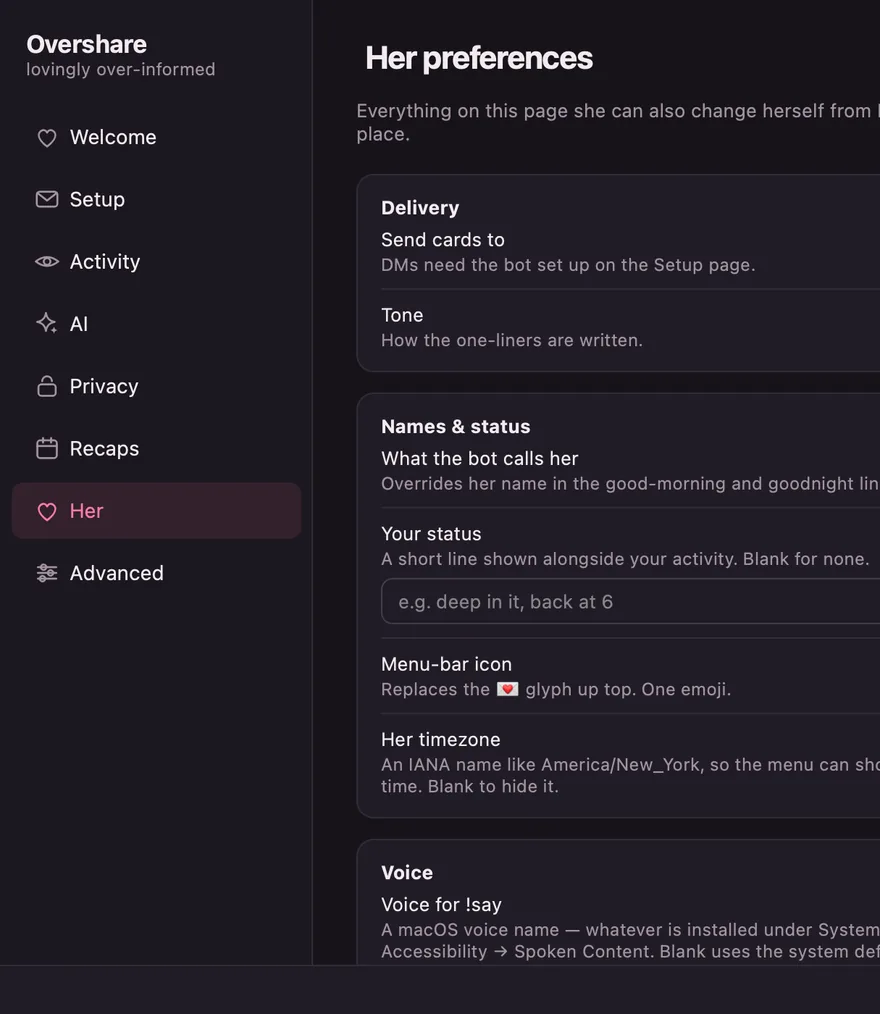
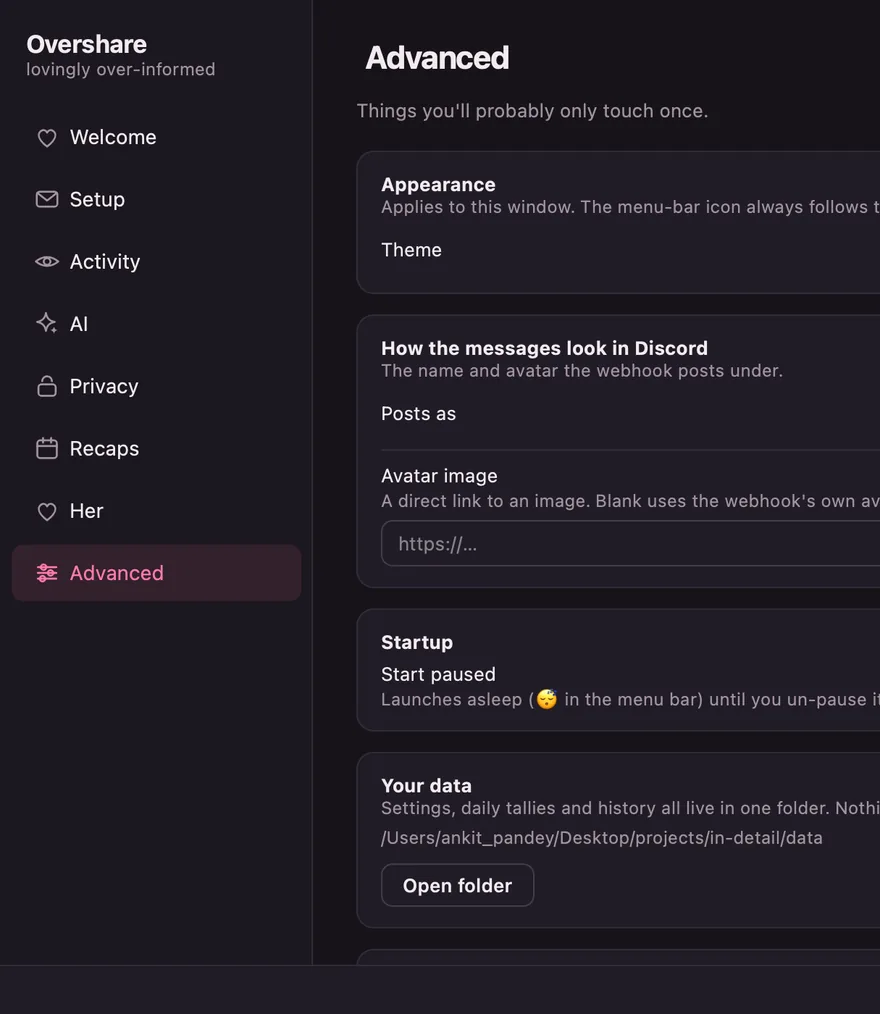
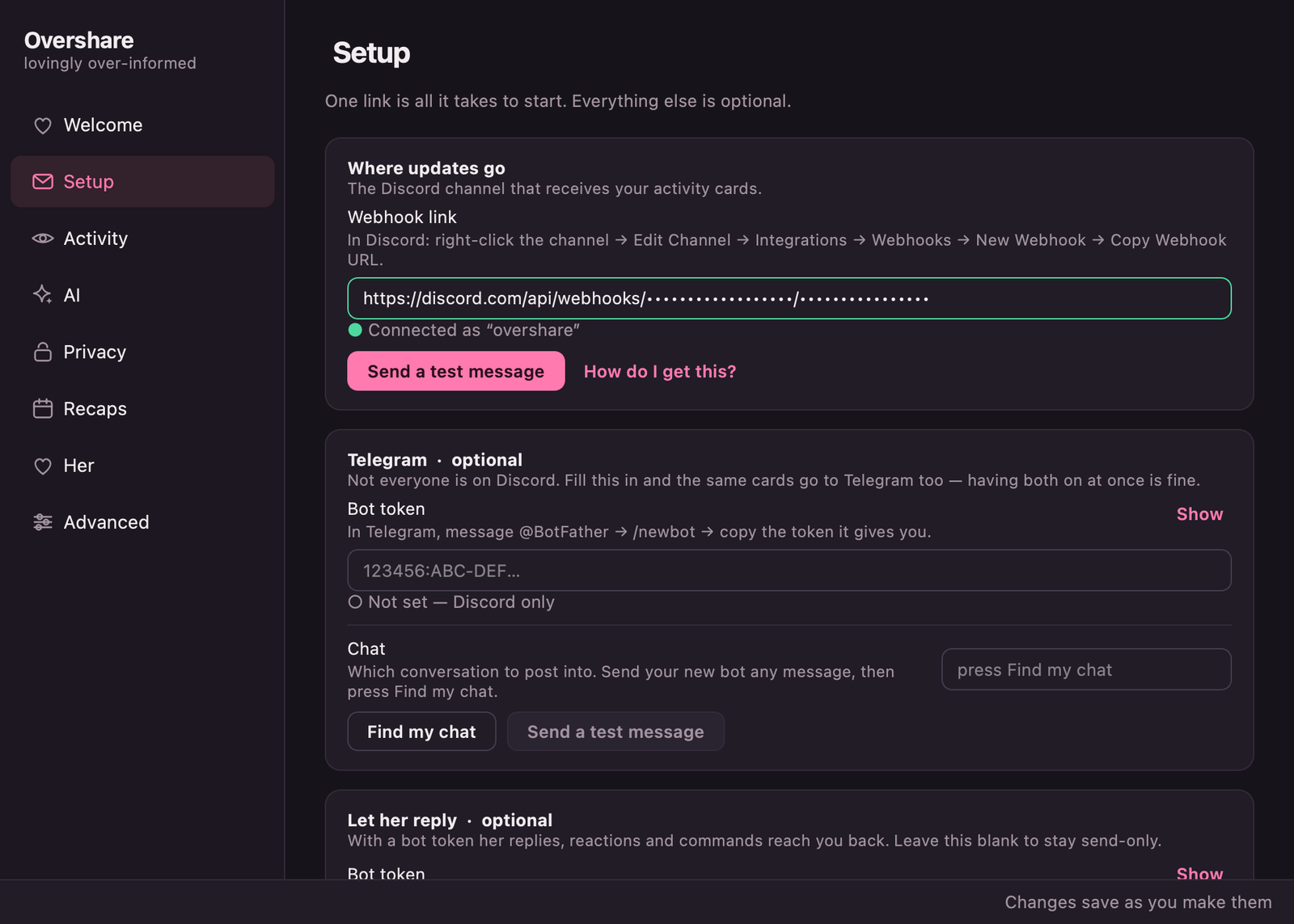
Eight pages, and it checks its own work — verifying your webhook as you type, listing the AI models your key can actually reach.
Changes apply while it's running. Nothing needs restarting.
Both of you. Or neither of you.
Install it on your own machine before you send it to anyone. Pointed one way it stops being a bit and starts being surveillance — and it will feel like it, fast.
And get an actual yes. Not “fine”. Not because you asked twice. The pause button and the blocklist exist because yes has edges, and both of you get to move them whenever you like.
Point it both ways
The joke only lands when you're both in it. If you'd hate having it on you, don't put it on them.
Enthusiastic, or not at all
If someone had to be talked into it, that's a no. Uninstalling is one drag to the Trash, and nobody should need a reason.
Pause without a conversation
One click stops everything, any time. They see that updates stopped, never what you were doing when they did.
Two minutes, no terminal.
Download it, paste one link, and it starts. Everything else — the AI, the recaps, the blocklist — is optional and already sensible.
Install it
Drag to Applications, or run the Windows installer. First launch needs right-click → Open on macOS, or More info → Run anyway on Windows — it isn't signed by a paid developer account.
Paste a webhook
In Discord: right-click a channel → Edit Channel → Integrations → Webhooks → Copy Webhook URL. Paste it into Setup.
Nothing
It's already telling her.
Yes, it's a bit much.
Does she need to install anything?
No — just Discord or Telegram, which she almost certainly already has. Everything runs on your computer.
Isn't this a bit controlling?
It is, if it only points one way and nobody properly agreed. Put it on your own machine too, ask properly, and never argue with the pause button — that's the whole difference between a bit and a problem. See the house rules.
Is this healthy?
It started because someone said “you never tell me anything”, and it's meant for two people who both find it funny. There's a pause button and a blocklist for the moments you don't.
Can she see my bank?
Not by default. Password managers and private windows are hidden out of the box, and you can add any app, site or word to the blocklist. Hidden activity is kept out of the recaps too.
Why does macOS say it can't verify the app?
Because it isn't signed by a paid Apple developer account, which costs $99 a year. Right-click the app and choose Open once, and macOS remembers.
Where does my data go?
To the chat you chose, and nowhere else. There's no account and no server of ours in the middle — settings and history live in one folder on your machine. It's all open source if you'd rather read it than believe it.
Go on.Tell her.
Free, open source, and about two minutes from here.